
 or
or 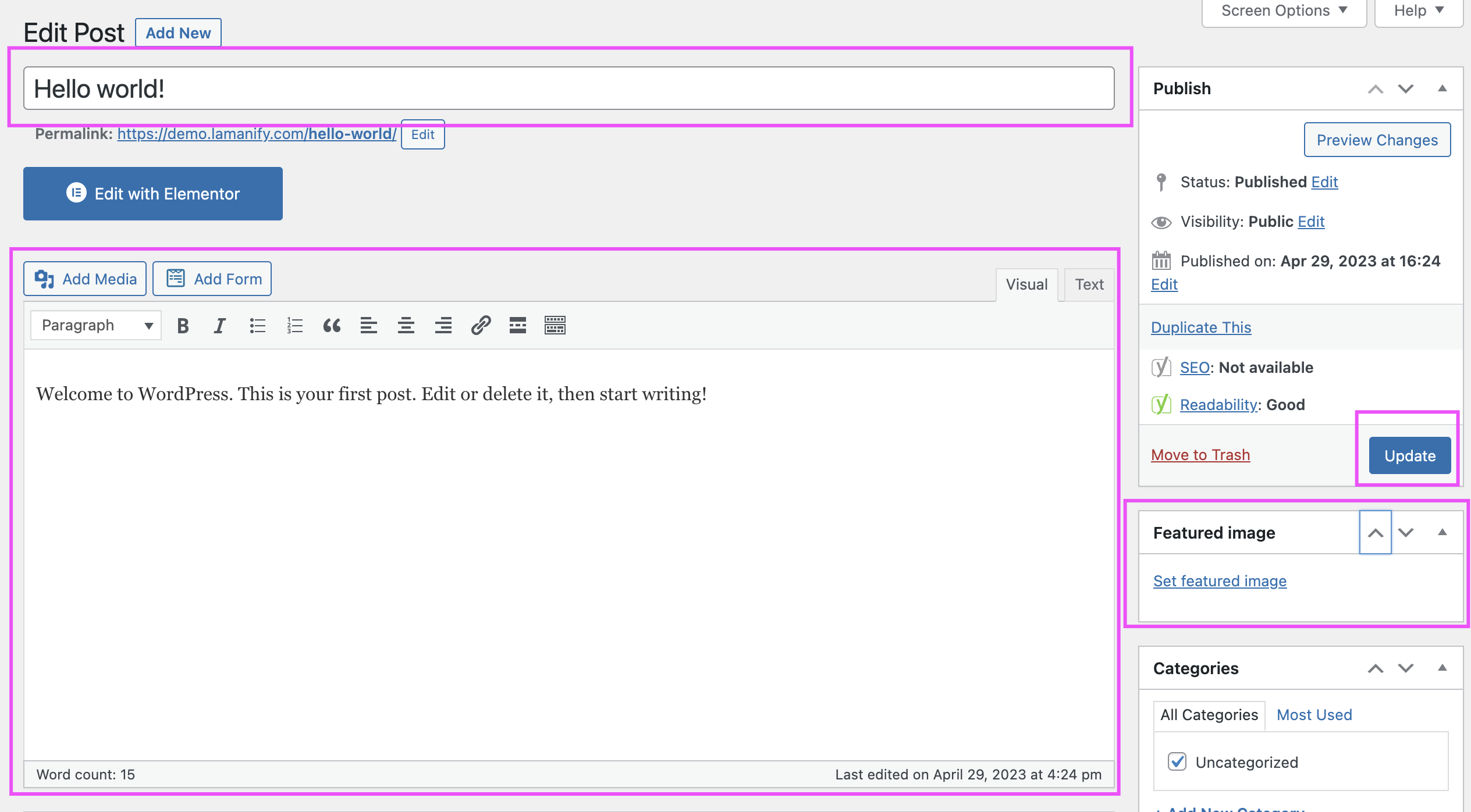
- Log in to your WordPress dashboard.
- From the left sidebar, hover over Posts and click on All Posts.
- You will see a list of all your published and draft posts.
- Find the post you want to edit, and hover over the post title.
- Click on the Edit link that appears below the post title.
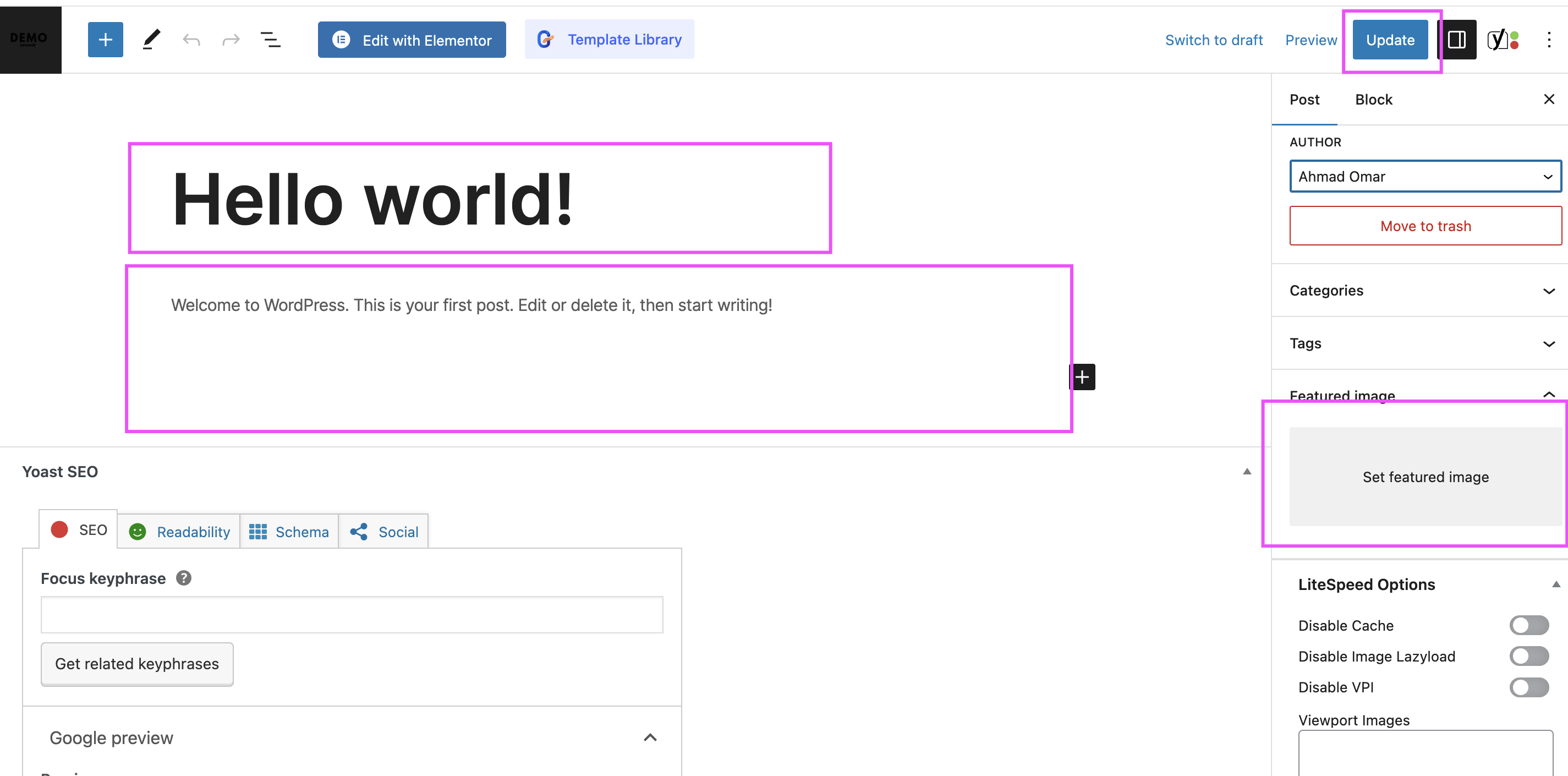
- You will be redirected to the post editor page.
- Make the necessary changes to your title, content, or any other details.
- To update images, click the Add Media button or click on the existing image to replace it.
- To change categories or tags, use the options in the right sidebar.
- After making the edits, click the Update button on the right to save your changes.
- Click Preview to see the updated version before publishing.
If you need assistance editing your article, please email at support@lamanify.com.


