
- Open Your Web Browser: Use any browser (Chrome, Firefox, Edge).
- Go to Your Website: Type your domain name followed by /wp-admin in the address bar.
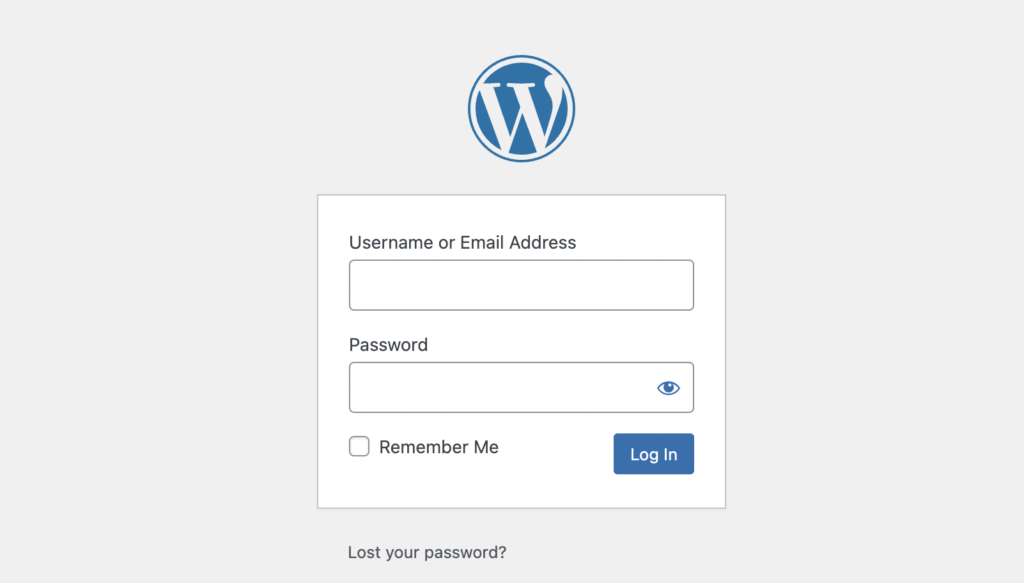
- Enter Your Credentials:
- Username or Email Address
- Password
- Click “Log In”
Example: https://yourwebsite.com/wp-admin
If you forgot your password, click “Lost your password?” and follow the reset instructions.
If you don’t have the credentials, please email at support@lamanify.com.


